Run Oh My Pi with Ollama1
Revised
Oh My Pi (OMP) is a terminal coding agent with IDE-style tools built in. It combines chat, project context, structured code edits, language server support, debugging tools, browser access, plugins, and subagents in one terminal workflow.
Ollama can configure OMP to use Ollama as its model provider and launch an interactive session.
Image on Ollama’s site: Oh My Pi with Ollama
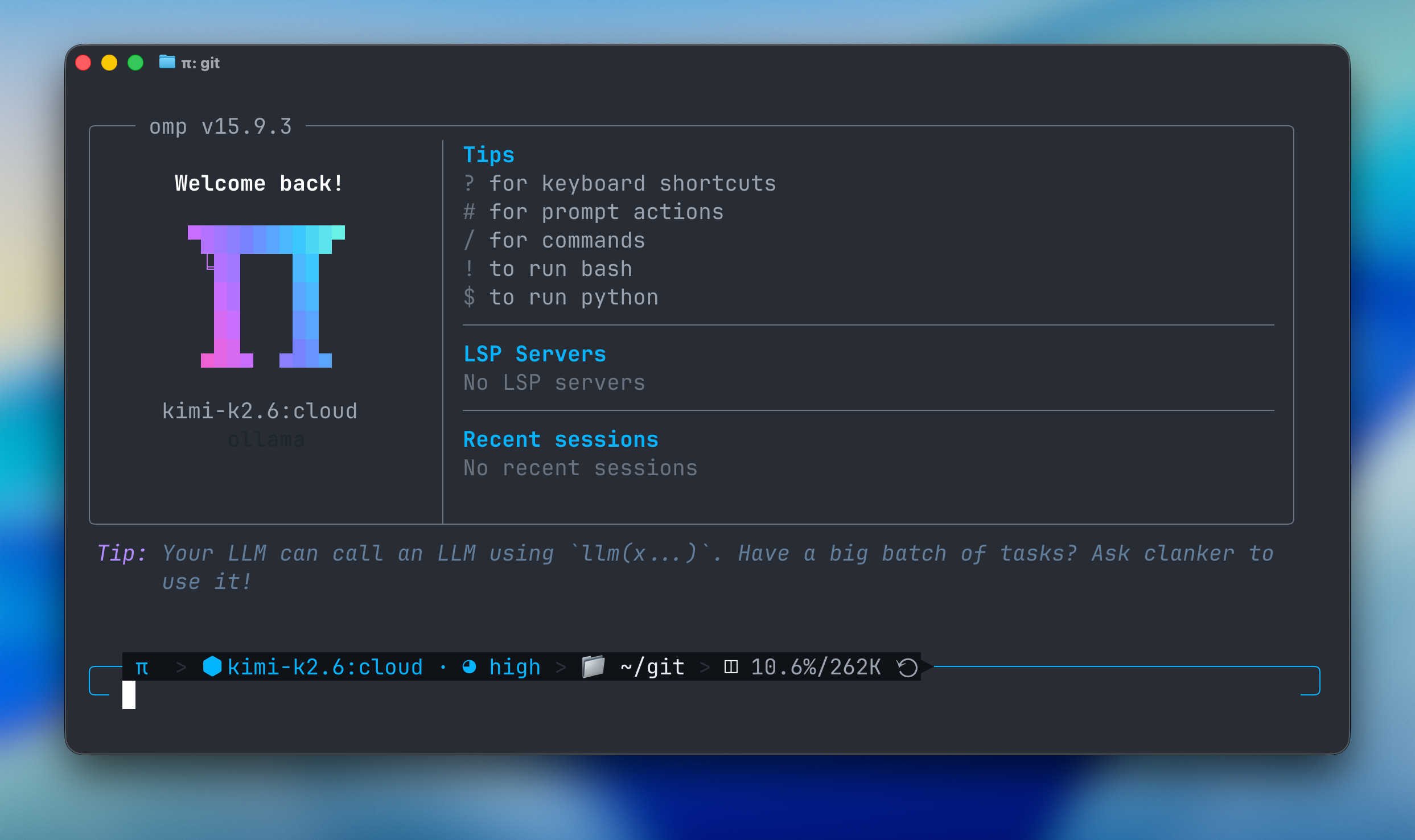
Quick setup
ollama launch omp
This configures Ollama as a provider, sets up web search tools, and starts OMP.?1
Run directly with a model
ollama launch omp --model <model>
Plugins
OMP supports plugins for extra tools and capabilities. When launching OMP through Ollama, the Ollama web search plugin is managed automatically.
Manual setup
Install OMP from omp.sh. Then run:2
ollama launch omp --config
Notes on this page
1 Wording Audit: improved A task title starts with a verb and names the result.
Was:
Oh My Pitype-task-one-goalproc-state-goalAuditor: “Run Oh My Pi with Ollama” names the result and starts with an action, making the title more useful to readers.
2 Wording Audit: improved The sentence held two actions, so it is now two sentences.
Was:
Install OMP from omp.sh, then run:proc-one-action-per-stepAuditor: Splitting installation from the command makes the two actions easier to follow without changing the instruction.
Questions for the owner
?1 What should the reader see when the launch worked, and where should they go next? The page gives neither.
About: “This configures Ollama as a provider, sets up web search tools, and starts OMP.”
Original
Oh My Pi (OMP) is a terminal coding agent with IDE-style tools built in. It combines chat, project context, structured code edits, language server support, debugging tools, browser access, plugins, and subagents in one terminal workflow.
Ollama can configure OMP to use Ollama as its model provider and launch an interactive session.
Image on Ollama’s site: Oh My Pi with Ollama
Quick setup
ollama launch omp
This configures Ollama as a provider, sets up web search tools, and starts OMP.
Run directly with a model
ollama launch omp --model <model>
Plugins
OMP supports plugins for extra tools and capabilities. When launching OMP through Ollama, the Ollama web search plugin is managed automatically.
Manual setup
Install OMP from omp.sh, then run:
ollama launch omp --config
What Changed
The title now starts with a verb, and the manual setup sentence that held two actions is split in two. The page already opens by saying what Ollama does for OMP, so no goal sentence was added. It doesn't say how to confirm the launch worked, so that is a question for the owner.
Content type: task. The page gives the command that launches Oh My Pi with Ollama, for a reader who wants that one result.
Automated check, original: 0 errors, 0 warnings, 0 suggestions. Revised: 0 errors, 1 warning, 0 suggestions.
Independent audit (GPT-6): mixed. The revision improves the title and separates the manual setup actions while preserving the commands and links. The added question marker is not part of the requested change log, and the page still misses several clear usability requirements from the standard.
Regressions:
- The revision adds a q1 question marker to the page even though the notes list q1 only as a question for the owner; this leaves editorial markup in the reader-facing page. The question also asks what readers should see and where to go next, which is unsupported by the supplied page and should not be answered by inventing facts.
What the revision missed:
- The standard says to answer the reader’s next question, including what to do if the task does not work; the page gives no troubleshooting or support direction, and the logged question does not appear in the revision as an owner-facing query.
- The standard says to end a task page with the reader’s next action; after the manual setup command, the page gives no next step.
- The standard calls for an image that carries information to have alt text; the Oh My Pi image has no alt text.
- The standard says to spell out abbreviations on first use unless readers already know them; the page uses OMP without expanding it as an abbreviation after introducing Oh My Pi.